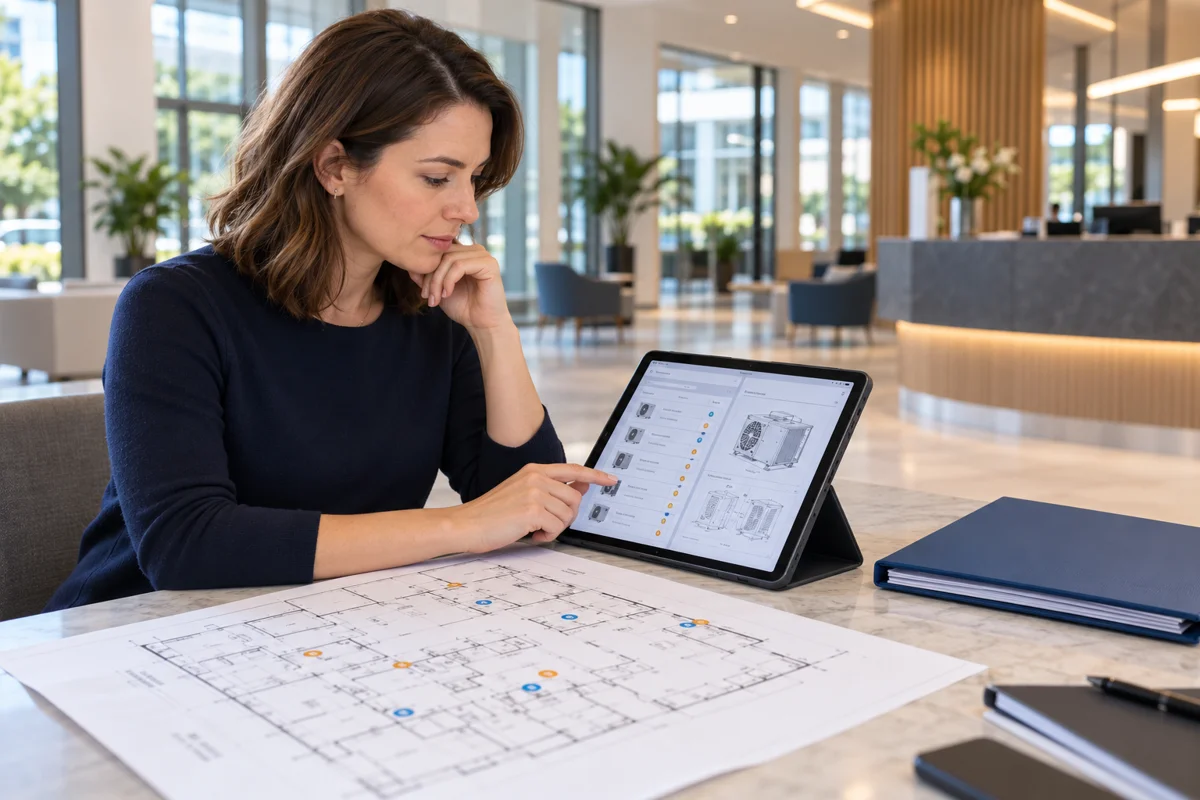
Asset manager software can help building teams keep equipment information, maintenance activity and supporting documents connected. Its usefulness depends on the system’s features, the quality of the records and the people responsible for maintaining them.
For a building owner or facilities team, the starting point is a clear requirement: which equipment needs to be recorded, what information is needed and how staff will use it. A software platform does not correct missing or inaccurate handover data by itself.
Start with the equipment records
Typical records may include an asset reference, description, location, manufacturer, model and links to relevant documents. Additional fields should reflect the building and the client’s requirements, rather than an unnecessarily complicated template.
Consider an illustrative air handling unit, AHU-01. Its reference should connect the register entry with the applicable operating instructions, drawings and supplied commissioning records. A consistent identifier helps the receiving team follow that connection.
Understand which type of system you need
| Type of information or tool | Main purpose |
|---|---|
| Asset register | A structured record of equipment and agreed identifying details. |
| Maintenance management software | Depending on the product, manages work orders, service schedules and maintenance history. |
| Enterprise asset management | Supports wider management of operational assets across their lifecycle. |
| Fixed-asset accounting tools | Focus on financial records, such as purchase values and depreciation. |
These functions can overlap, but the terms are not interchangeable. Digital asset management, often shortened to DAM, usually concerns digital content such as images and videos rather than physical building equipment. See IBM’s overview of enterprise asset management and its explanation of digital asset management for the distinction.
Check the features against a real workflow
- Equipment identification: can staff find the correct item by reference and location?
- Document links: can an entry connect to the applicable manual or drawing?
- Maintenance records: does the product support the tasks, history and approval arrangements you need?
- Access controls: can viewing and editing rights be assigned appropriately?
- Import and export: can the agreed data be checked, transferred and retrieved in usable formats?
- Practical use: are mobile access, training and support suitable for the intended users?
Ask a supplier to demonstrate your own example equipment record. Confirm which functions are included in the proposed package and which require additional configuration, licences or integrations. This guide is a requirements checklist, not a tested product ranking.
Prepare the information before importing it
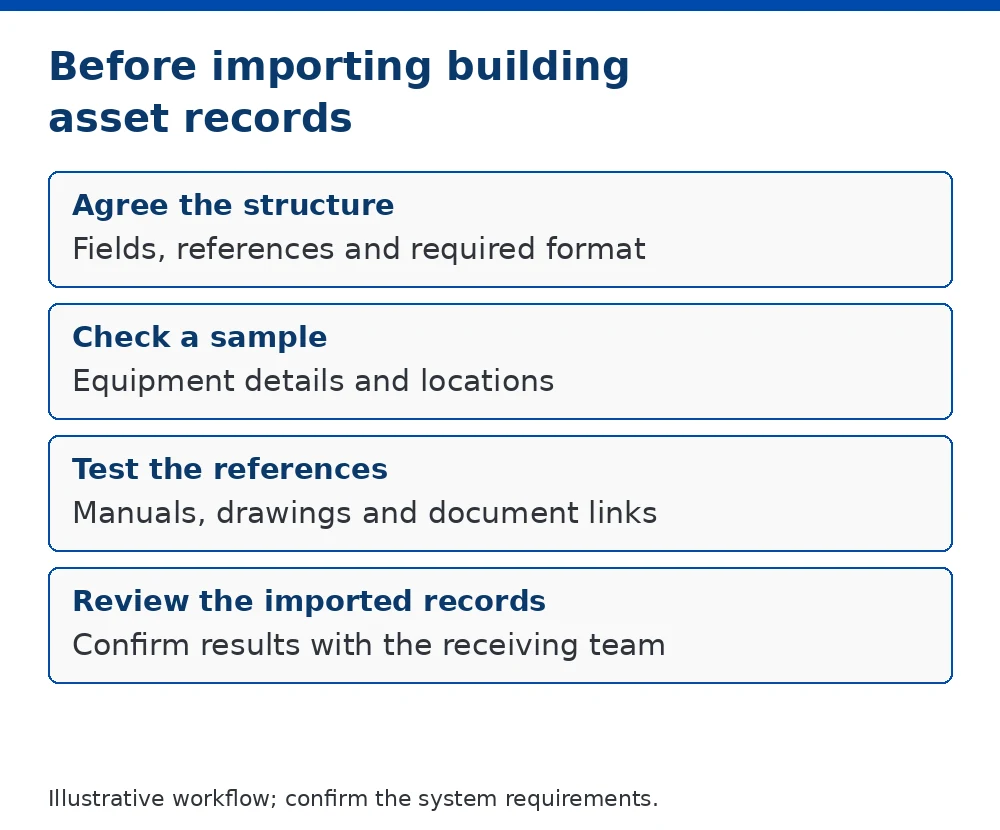
Agree the fields and reference conventions before a bulk import. Check a small sample first, including document links and locations, then review the imported results. Keep missing details visible for confirmation by the responsible contributors.
Software may support reminders and record keeping, but it does not perform maintenance, verify the condition of equipment or establish compliance on its own. Those responsibilities remain with the appointed people and organisations.

Where Master Manuals fits
Master Manuals prepares building asset registers from supplied project information. An agreed register can provide a structured starting point for the receiving team’s records.
Register preparation is separate from selecting, licensing, configuring or operating a software platform. If an import template is required, its fields and preparation scope should be agreed before compilation.
Common questions
Is a spreadsheet always unsuitable?
No. The appropriate approach depends on the amount of information, number of users and required workflows. A well-managed spreadsheet may suit a limited scope; more complex arrangements may need a dedicated system.
Can software locate equipment automatically?
Only where the required tracking technology, integrations and data are provided. Recording an asset’s location is different from automatically monitoring its movement.
Who keeps the information current?
The building owner or responsible management team should assign responsibility for updates, checks and access arrangements.