
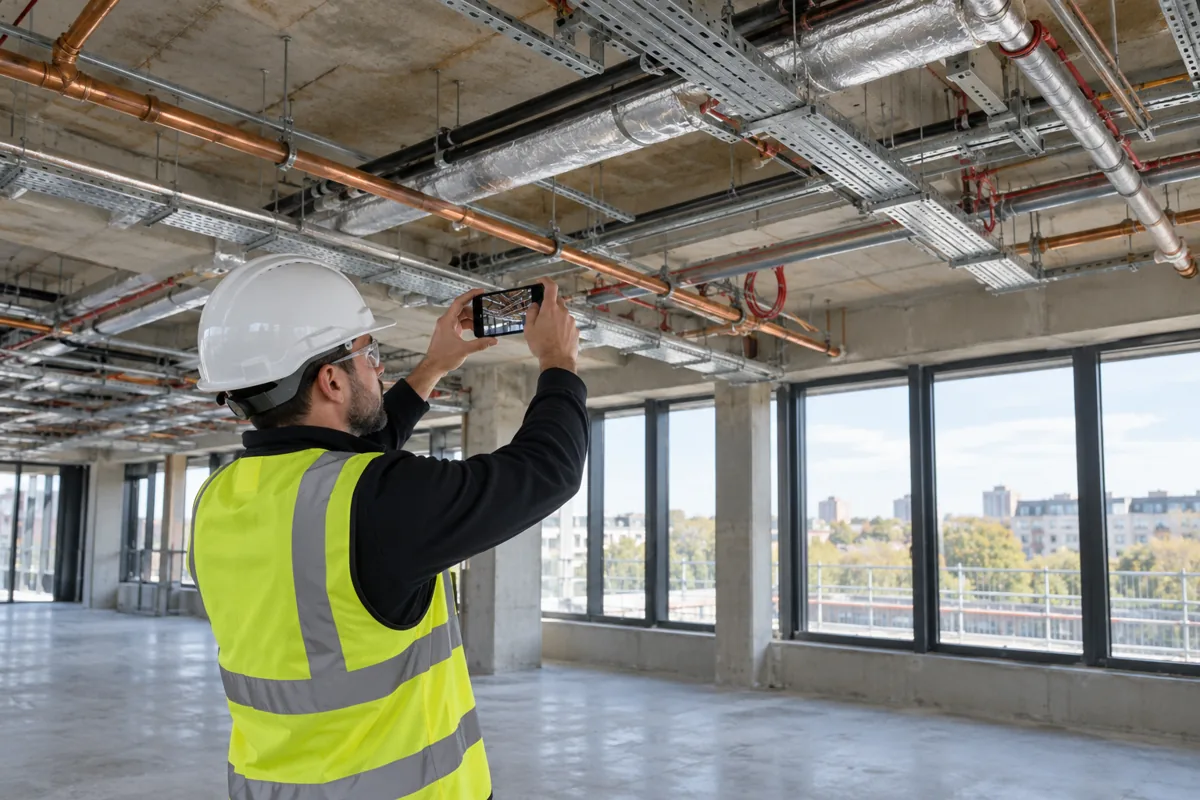
Construction photographs are most useful when the project team can identify what they show, where they were taken and which stage of work they record. A folder of unlabelled images can be difficult to interpret months after the event.
A consistent photo-recording process helps teams preserve context and locate relevant images. Specialist software may support that process, but the quality of the record still depends on how photographs are captured, described and managed.
Agree what needs to be recorded
Set the scope around the project’s requirements. The team might need progress views, records of work before it is covered, or photographs associated with a particular issue, inspection or handover item.
For hidden services, agree suitable recording points before access is lost. Photographs can supplement other records, but they should not be treated as a substitute for required inspections, test results, commissioning information or drawings.
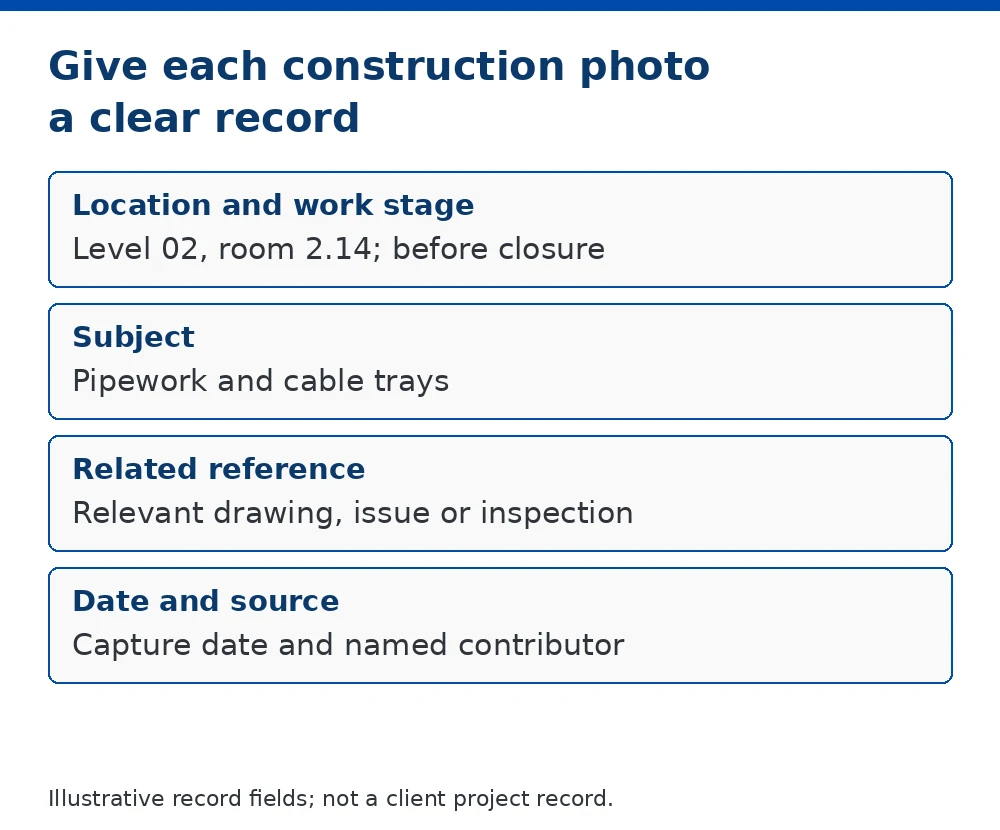
Give each image enough context
| Record detail | Why it helps |
|---|---|
| Project and location | Identify the building, floor, room or work area. |
| Date and work stage | Place the image in context; check date settings and distinguish capture from upload dates. |
| Description | Explain the visible work, relevant equipment reference and reason for the photograph. |
| Related reference | Connect the image to an issue, drawing or inspection record where applicable. |
| Author or source | Identify who supplied the image and where clarification can be requested. |
A short description such as “Level 02, room 2.14, ceiling services before closure” is more useful than “site photo”. This is an illustrative naming example, not an actual project record.
Preserve the originals and control the copies
Keep source images under the agreed project arrangements. If annotated or compressed copies are created for reports, distinguish them from the originals and retain the connection to the source record.
Decide who can upload, edit, share and delete files. Check that relevant images can still be retrieved if a team member leaves or access to a platform changes. Export arrangements and backups should be considered before the project closes.
Choose tools around the recording process
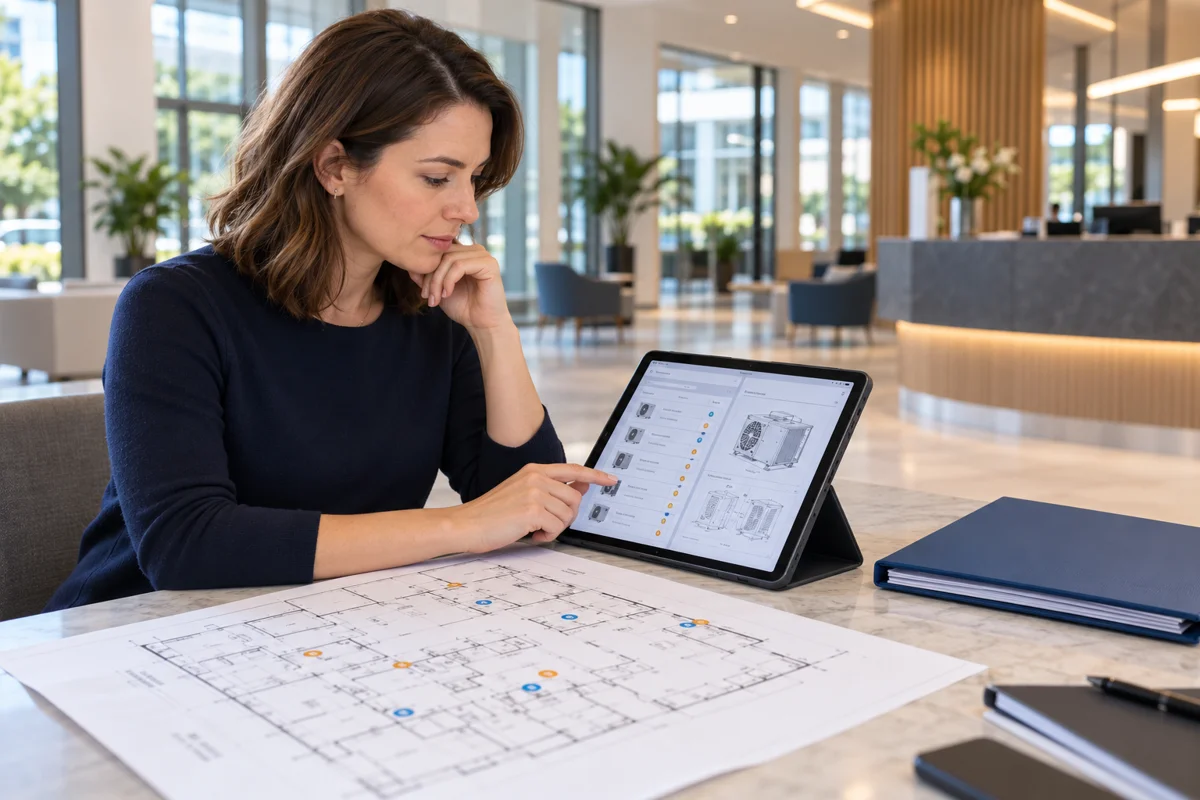
A structured folder and index may suit a limited collection. Larger projects may benefit from tools offering location references, tags, search and report exports. Confirm the features in the supplier’s current documentation rather than assuming every product works in the same way.
For one documented example, Autodesk’s photo-management help describes working with photo details and references. This is a feature example, not a tested comparison or recommendation of a particular package.
Check the visual record before handover
- Check the scope: confirm that the agreed areas and stages have been covered.
- Check clarity: review whether the subject and relevant detail can be understood.
- Check context: confirm location, descriptions and related references.
- Check delivery: test the index, exports, permissions and access arrangements.
Photographs record what is visible from a particular viewpoint. They do not prove every aspect of workmanship or automatically resolve a disagreement. Avoid descriptions that suggest more has been verified than the image and associated records support.
Where photo records fit in the handover package
Project photographs can sit alongside manuals, drawings and other agreed records. Their place in the package should be clear, with references that help the receiving team locate them.
Master Manuals prepares building handover manuals from supplied project information. This article does not offer site photography or a photo-management software platform; any requirement to include supplied photographs should be agreed within the documentation scope.
Common questions
Should every photograph be included in handover?
Not necessarily. Agree the selection criteria and required records. Avoid filling the package with unrelated, unclear or unnecessary duplicate images.
Is a date stamp enough?
No. A date alone may not identify the location, subject or work stage. Keep the additional context needed to interpret the photograph.
Can photographs replace as-built drawings?
No. Photographs may supplement the agreed drawing records, but they do not provide the same information or replace the required drawing deliverables.